/ USD
/ USD
Three acronyms that keep coming up in every conversation about storage – and three completely different philosophies for connecting drives to business systems. DAS, NAS, and SAN aren't just different "versions" of the same thing; they're answers to different questions about who needs to access the data, how fast, and in what way.
Choosing between them is rarely obvious, because on paper, all three "hold files." The real difference runs deeper – in whether the drives belong to a single server or to the whole network, and whether data travels in blocks or in files. So let's start with that one distinction, because once you understand it, everything else falls into place.
The core difference: block versus file
All three really split along a single criterion – the level at which they make data available.
- Block level – this is how DAS and SAN work. The system operates on raw disk blocks, as if it were its own local drive. This is more efficient where the fastest access to fragments of data matters – databases, virtualization.
- File level – this is how NAS works. It's essentially a file server that connects to drives and shares them with others over the network using file protocols like NFS or CIFS/SMB. Better when an application needs an entire file rather than individual blocks.
This is also where the performance difference comes from. Block protocols (SCSI, and over the network – iSCSI) tend to simply be faster for certain workloads: on a well-configured iSCSI SAN over Gigabit Ethernet, throughput can be 2–3 times higher than typical file-sharing protocols on the same network. Keep this principle in mind – we'll come back to it for each of the three architectures.
DAS – drives attached directly to the server
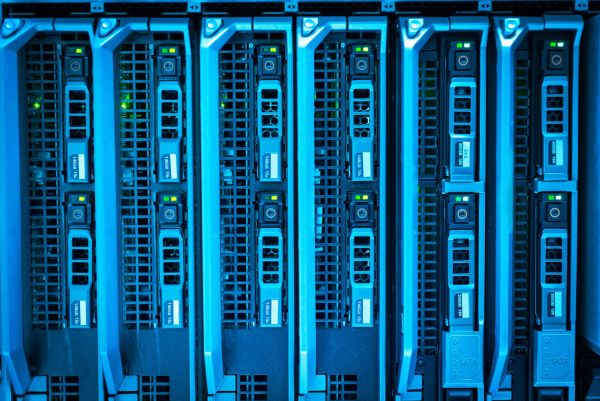
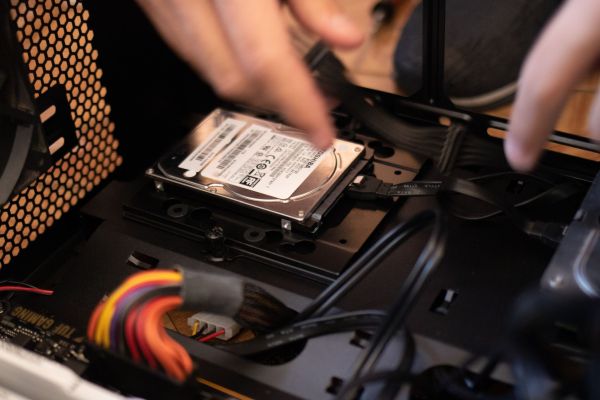
DAS (Direct-Attached Storage) is the simplest model: storage – internal or an external enclosure – connected directly to a single host, typically via SAS. Each server owns its storage outright. The architecture is remarkably simple, easy to manage, and offers a very attractive price-to-performance ratio – it's no accident that DAS accounted for the majority of storage sold for years. Access is fast and low-latency, since the connection is short and dedicated.
The limitations follow directly from that simplicity. DAS doesn't scale in any meaningful way and only serves users local to that particular server. On top of that comes poor capacity utilization – if one server has free space while another is running short, you can't move it between them. Plus a hard limit on how many drives a given host can support. It's a great choice for local services and standalone servers – a typical DAS setup is an enclosure like the Dell PowerVault MD connected via SAS.
NAS – shared storage for the whole network
NAS (Network-Attached Storage) flips the DAS logic: storage is separated from the servers and connected through an Ethernet switch, with access over TCP/IP. This is a "shared nothing" solution – NAS acts as an intermediary between the drives and clients over the LAN. Its biggest advantage? It relies on existing network infrastructure and Ethernet/IP expertise, so it doesn't require building separate infrastructure.
This makes NAS a natural choice wherever many users – often on different systems (Windows, Linux, macOS) – need to share files. Replication and disaster recovery are easy to set up, and its reach extends further than a local server. The price for this convenience: lower performance than SAN, since the file layer and IP network add overhead. For documents, projects, and archives – ideal. For a heavily loaded database – not necessarily.
SAN – performance and consolidation for multiple servers
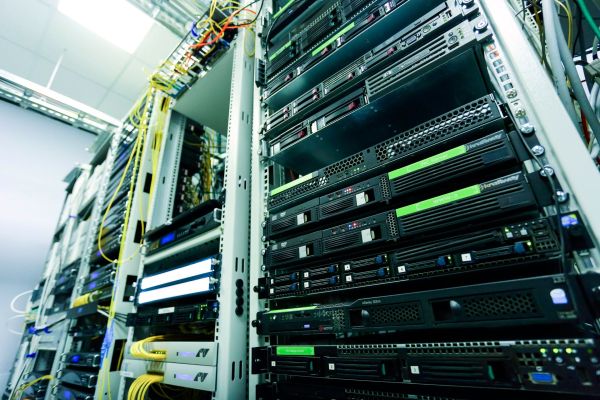
SAN (Storage Area Network) is a separate, dedicated storage network in which drives form a shared pool for multiple hosts – a "shared disk" model. Historically, it was built on Fibre Channel, which reduces access time and delivers the highest performance of the three. SAN is optimized for I/O-intensive applications – databases, dense virtualization, mission-critical environments.
But SAN's real advantage isn't just speed. It's consolidation: instead of isolated storage islands tied to individual servers, you get a shared pool you can allocate flexibly. The effect is measurable:
- higher capacity utilization – you're not wasting free space locked up in individual servers;
- lower total storage purchases, since resources are shared rather than duplicated;
- natural support for replication and DR – a SAN can span a primary and a backup location.
The downsides? Cost and complexity. Drives, cabling, controllers, and Fibre Channel switches cost money, and configuration and management require expertise not every IT team has on hand. Fortunately, there's a middle path.
iSCSI – SAN without fiber optics
This is where a solution that blurs the lines comes in. iSCSI combines IP infrastructure (like NAS) with a block-based I/O protocol (like SAN) – it lets you build a SAN over standard Ethernet instead of investing in Fibre Channel. You get SAN-level block performance and consolidation while using network infrastructure and expertise your company already has.
For many small and medium-sized businesses, this is the sweet spot: the real benefits of SAN without the cost and complexity of FC. A good fit here is an iSCSI array like the Dell PowerVault with iSCSI controllers – shared block storage for several servers, connected to your existing network. And if you're building a Fibre Channel SAN, you'll also need switches and optical modules.
DAS, NAS, and SAN side by side
|
Feature |
DAS |
NAS |
SAN |
|
Access level |
block |
file (NFS/SMB) |
block |
|
Connection |
direct to server (SAS) |
LAN / IP network |
FC or IP (iSCSI) |
|
Sharing |
single host |
many clients |
many servers (pool) |
|
Performance |
high, low latency |
lower |
highest |
|
Scalability |
poor |
good |
very good |
|
Cost / complexity |
lowest |
moderate |
high (FC) / medium (iSCSI) |
|
Ideal for |
single server, local services |
file sharing, backup |
databases, virtualization, DR |
Which architecture to choose – the questions we ask first
Before we recommend anything, we work through a few things with the customer. These are what decide the choice – not the hardware brand.
- Does the storage need to be shared across multiple servers, or does it serve a single host?
- Do the applications need block-level access (databases, virtualization) or file-level access (files, sharing)?
- What are the performance requirements (IOPS, latency), and is the I/O intensive?
- What's the budget, and what level of management overhead is acceptable?
- Is replication / disaster recovery between locations needed?
- What expertise does the team have – Ethernet/IP or Fibre Channel?
A clear picture usually emerges from these answers. Summarized in a table:
|
Company profile / use case |
Architecture |
Example from our range |
|
Single server, local services, small budget |
DAS |
PowerVault MD via SAS |
|
File sharing within a team (Win/Linux/Mac), backup |
NAS |
file server over LAN / TCP-IP |
|
Several servers, virtualization, databases – without an FC network |
SAN (iSCSI) |
PowerVault iSCSI over IP |
|
Intensive I/O, mission-critical environments, DR between locations |
SAN (FC) / unified |
Dell PowerStore (block + file) |
Increasingly: the lines are blurring
It's worth knowing that this division isn't as sharp as it used to be. Modern unified arrays, like Dell PowerStore, handle both block (SAN: iSCSI, Fibre Channel, NVMe) and file (NAS: SMB, NFS) storage simultaneously on a single engine. In practice, you no longer have to choose "either-or" – a single platform can serve both roles at once and consolidate what used to be separate storage islands.
There's also a trend in storage media: all-flash has become the standard for primary storage, accounting for over 70% of revenue from external storage as far back as 2017 – simplifying infrastructure and lowering energy and space costs. In other words, today's choice is increasingly not "DAS vs. NAS vs. SAN," but how to consolidate them into a single, well-matched platform.
Where should you start?
There's no "best" architecture – only the best fit. DAS wins on simplicity and price for a single server, NAS wins on the convenience of file sharing, SAN wins on performance and consolidation where many servers are involved, and iSCSI brings that last benefit within reach of smaller companies. Importantly, moving from DAS to SAN can also pay off directly: in one SMB virtualization scenario, consolidating onto a SAN delivered around 46% savings in 3-year TCO.
If you'd like to turn this into something concrete, we can help match an architecture to your specific situation – just tell us how many servers you have, what runs on them, and how your team manages the network. We put together hardware from our disk arrays, and when needed, switches and storage networking modules – tested, configured, and covered by a 12–36 month warranty. If you're still planning your entire environment, take a look at our guide on "which server to choose."
FAQ
What's the main difference between DAS, NAS, and SAN?
DAS is drives connected directly to a single server (block-level). NAS is a file server that shares data with many clients over the network (file-level). SAN is a dedicated storage network shared by multiple servers (block-level), offering the highest performance.
Which is faster – SAN or NAS?
SAN. It operates on blocks and is optimized for intensive I/O. On a well-configured iSCSI SAN, throughput can be 2–3 times higher than with file protocols on the same network.
What is iSCSI, and when does it make sense?
iSCSI is a SAN built over a standard IP network instead of Fibre Channel. It delivers block-level performance and SAN consolidation without FC costs – a common sweet spot for small and medium-sized businesses.
When is DAS enough?
When you have a single server and local services, and simplicity and low cost are the priority. DAS doesn't scale and doesn't share resources between servers.
Do I have to choose between block and file?
Not necessarily. Unified arrays (e.g., PowerStore) handle both block (SAN) and file (NAS) storage simultaneously on a single platform, allowing you to consolidate different workloads.
Which architecture is best for virtualization?
Usually SAN – shared block storage is required by features such as live migration of machines between hosts. For smaller environments, an iSCSI SAN works well.