/ USD
/ USD
If you're facing server selection for AI, problem usually isn't "which model to choose" but how much power you really need. Because development and model testing is one thing, training large networks or working on multiple datasets simultaneously is another. In a moment we'll organize this simply – what matters, where not to burn budget and what configurations actually make sense in practice.
GPU isn't everything – where mistakes most often happen
Most common mistake? Buying powerful GPU and "rest on shoestring". But in practice AI is system of connected vessels – graphics card is key, but without proper CPU, RAM and storage bottleneck starts.
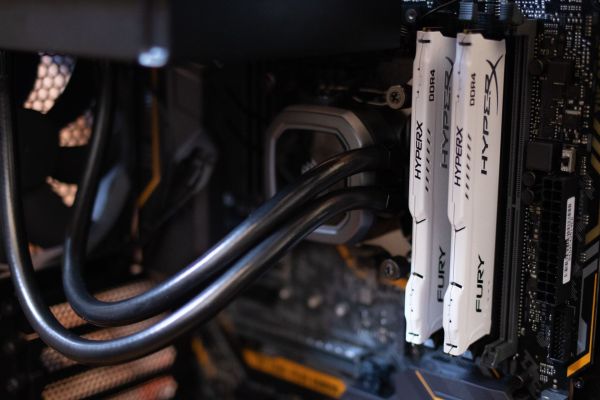
In reality it looks like: you have e.g. RTX A6000 or H100, but only 64 GB RAM and one Xeon Silver processor. Result? GPU gets bored because data can't keep up being processed. That's why sensible AI configurations start with minimum 128 GB RAM (often 256 GB) and CPU that handles data preprocessing – e.g. Xeon Gold with more cores, not basic Silver.
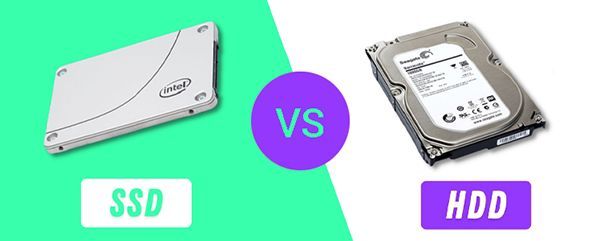
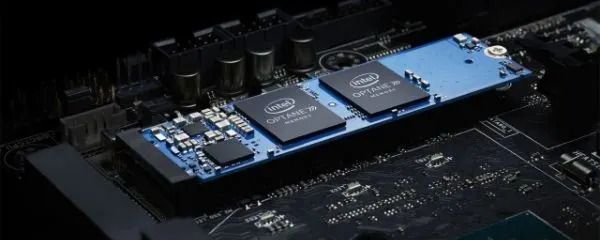
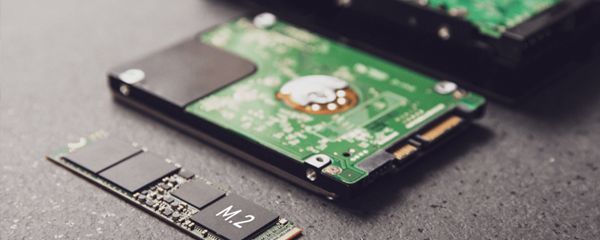
Second thing is hard drives. If you work with datasets, regular SATA SSD can be bottleneck. That's why NVMe + RAID 0 or RAID 10 makes sense – depending on whether you prioritize performance or safety.
How many GPUs do you really need (and when more doesn't make sense)
It depends on what you're doing – and there's no single answer.
If you work at development level, testing, smaller models (e.g. fine-tuning, inference), then often 1 GPU class RTX 4090 / A5000 completely suffices. Many companies at this stage burn budget buying 2-4 GPUs that later sit unused.
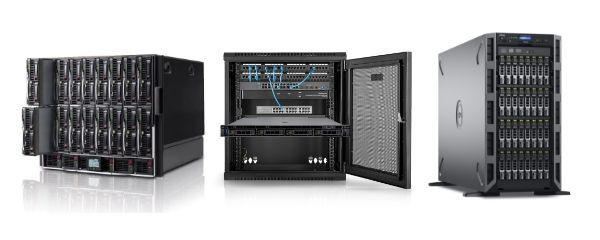
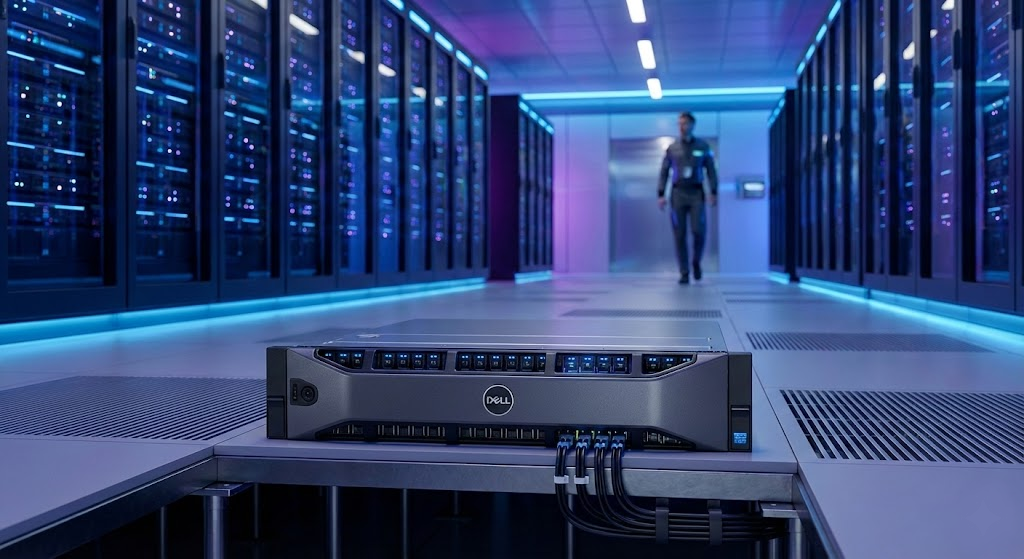
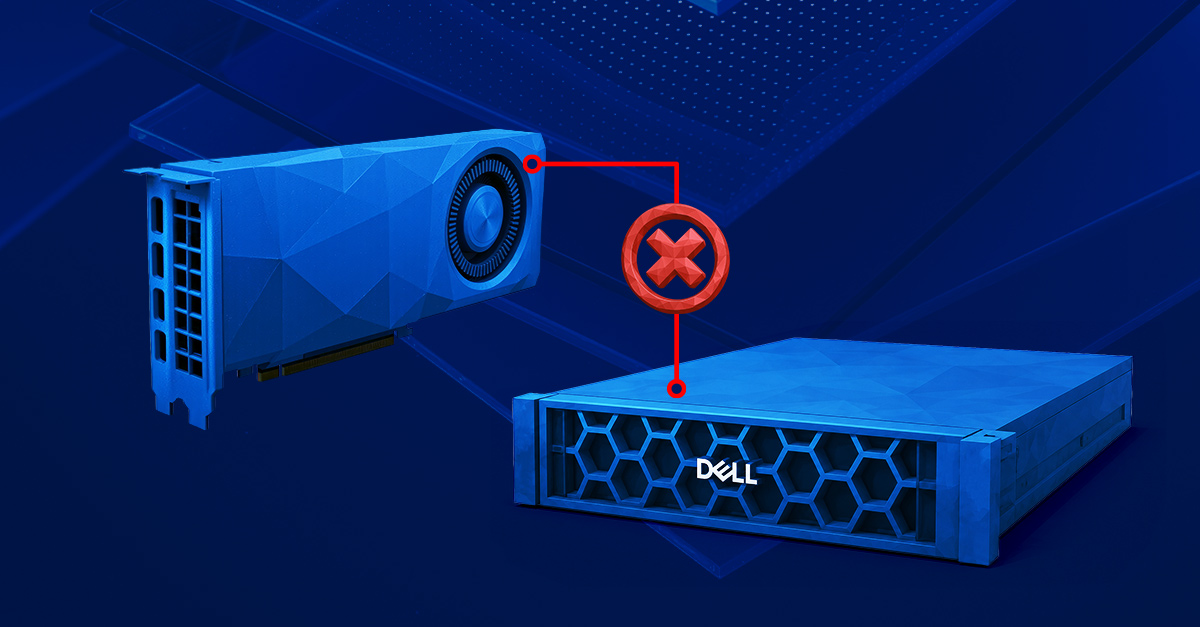
Problems start with training larger models or team work. Then configurations with 2-4 GPUs and proper bus (PCIe / NVLink) start making sense. And important thing – not every server handles this well. Models like Dell PowerEdge R740, R760 or HPE DL380 Gen10/Gen11 are designed exactly for such loads – they have proper power, cooling and space for cards.
If you plan more than 2 GPUs – you need to look at entire platform, not just card. Because suddenly you realize lack of slots, PCIe lines or power supply capacity.
RAM and storage – real difference in work happens here
In AI RAM runs out faster than you'd think. And not just with model training – already working with datasets you can "eat" dozens of gigabytes.
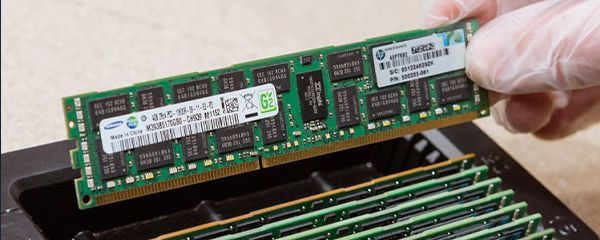
That's why sensible starting point is 128 GB RAM, but with larger projects really becomes 256 GB or more. Difference? Fewer disk operations, less delays and simply smoother work.
Storage is second topic often under-estimated. If you work on large datasets, configuration like NVMe + RAID 10 gives real boost – both in read and write. RAID 1 makes sense for backup or system, but with AI often limits performance.
Often split is made:
- NVMe for working data,
- SSD/HDD for archive and backup.
And this works much better than one "universal" storage.
Rack or Tower – does it even matter for AI?
It does – and more than you'd think.
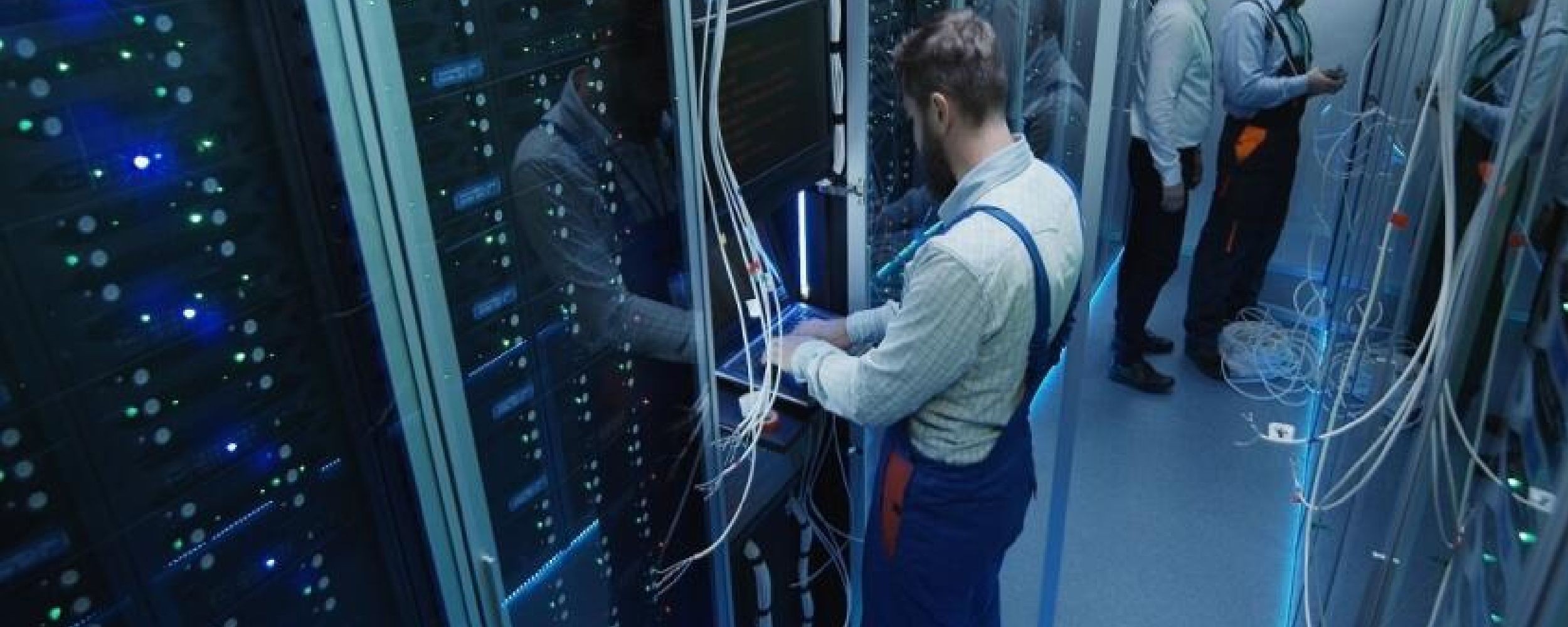
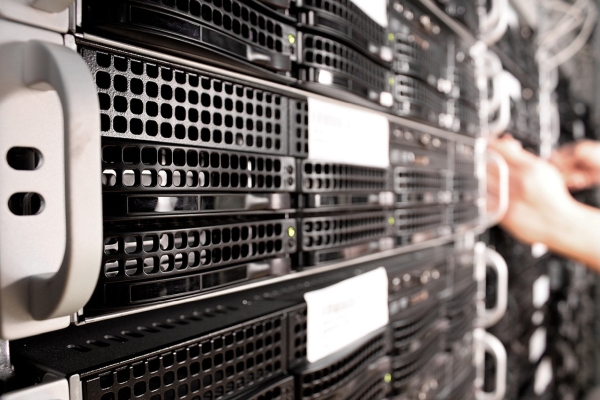
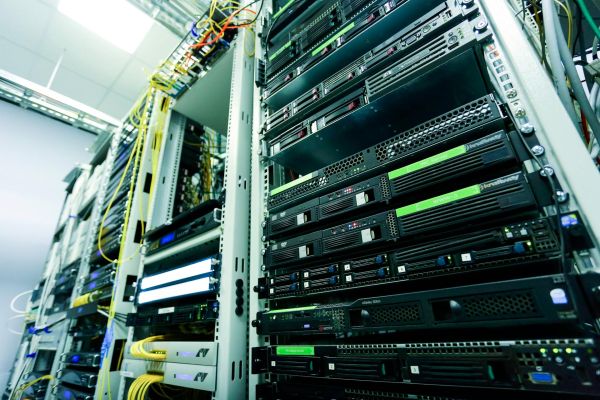
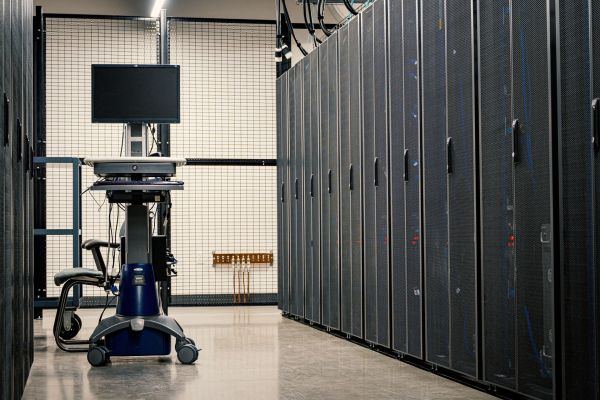
If we're talking serious AI (meaning more than 1 GPU), then tower practically drops out. Not just about space, but about cooling, power and expansion possibilities. Rack servers like R740, R760 or DL380 are designed for high load and 24/7 operation – and you see it.
Tower makes sense for very basic applications – e.g. single GPU for testing or inference. Something like T350 with one GPU card still works, but that's more "entry level", not production environment.
If you plan growth, adding GPUs, more RAM or storage – rack simply gives more options and fewer future limitations.
Ready configuration vs building from scratch – where you save time (and nerves)
Theoretically you can assemble server yourself. With AI – problems start: GPU compatibility, power, cooling, BIOS, firmware.
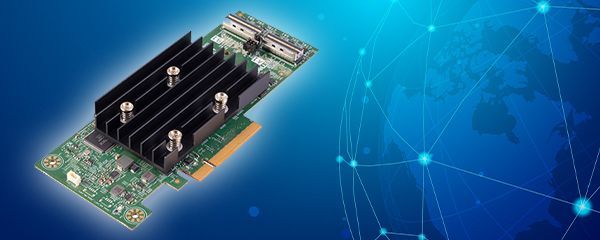
That's why many companies go for ready configurations – and it makes sense. Server arrives already with: RAM, RAID, configured iDRAC/iLO, load testing. You turn it on and work.
This is especially important with GPU – because here it's really easy to "overlook" something (e.g. power supply too weak or missing PCIe cables). Then debugging starts instead of work.
In retrospect: if equipment is to work in production, not as experiment – ready configuration simply shortens path. And usually comes cheaper than fixing errors later.
Looking for AI server that simply works?
If you're at hardware selection stage – usually problem isn't lack of options but their surplus. One configuration has more GPUs, another more RAM, yet another looks good "on paper" but chokes in practice.
On site you'll find ready AI configurations – from single GPUs to environments with 2-4 cards, large amounts of RAM and fast NVMe storage. These aren't "bare" servers – just equipment prepared for real work: RAID configured, iDRAC/iLO ready for remote management, pre-shipment testing. Check available AI server configurations from Hardware Direct. If unsure what to choose – better ask than buy too weak or over-sized equipment. Here differences really impact cost and work time.
FAQ
Is one GPU enough for working with AI?
Yes – if you do development, testing or inference. With training larger models you usually need 2+ GPUs.
How much RAM makes sense at start?
Minimum 128 GB, but with larger datasets quickly becomes 256 GB. 64 GB is usually too little.
Is RAID needed in AI server?
Yes, but depends which. RAID 1 for system, RAID 10 for data – that's most common and sensible setup.
NVMe or regular SSD – does it make difference?
Huge. Working with datasets NVMe significantly shortens read and write time.
Xeon Silver or Gold – what to choose?
For AI better go Xeon Gold – more cores = faster preprocessing and fewer bottlenecks.
Tower or rack for AI?
Tower can work with one GPU. With larger configurations rack is necessity (cooling, power, expansion).
Worth buying ready server or assembling yourself?
For AI usually ready server – you have compatibility certainty and save time on configuration and testing.