/ USD
/ USD
The first server in a small company doesn't need to be complicated – it just needs to work stably, quietly and safely for a few years. In practice, for a team of 5-20 users it's about handling a few repeating roles: domain login, shared files, accounting software, sometimes a small SQL database and computer backups.
This isn't a datacenter environment. This is infrastructure meant to ensure data organization and work comfort, without over-investing. The key isn't "the most powerful model", but sensible server configuration for a small company – one you'll expand in 2-3 years, not replace entirely.
Server for small company – what roles must it really handle and what does that mean for configuration?
Start with the fact that in a small company a server usually performs 3-5 specific functions and these determine the configuration, not just employee count. What do we mean?
- Domain controller (AD), DNS, DHCP – computer login, password policies.
- Shared files – proposals, documentation, accounting.
- Accounting / warehouse / small ERP program with simple SQL database.
- Network printers and workstation backups.
- Sometimes VPN / remote access for a few users.
For such tasks in a 5-20 person company, 1 Xeon E class processor (4-8 cores), 32-64 GB RAM and two drives in RAID 1 are completely sufficient. No need to build an elaborate cluster or reach for dual-processor platforms. In practice, the biggest mistakes are either buying too weak a server "because small company" or over-sizing infrastructure for hypothetical growth in 5 years.
Sensible small company server configuration should ensure stability and power headroom, but without enterprise costs. If today you support 10 users and one accounting system, then 32 GB RAM as minimum starting point and option for easy upgrade to 64 GB in a year is a healthy compromise. That's exactly why configuration should be thought through from the roles perspective, not catalog specs.
Tower or Rack in small company – how to choose server form before moving to CPU and RAM?
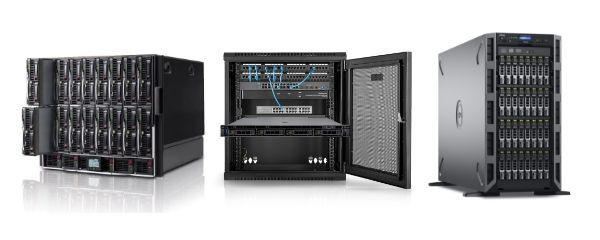
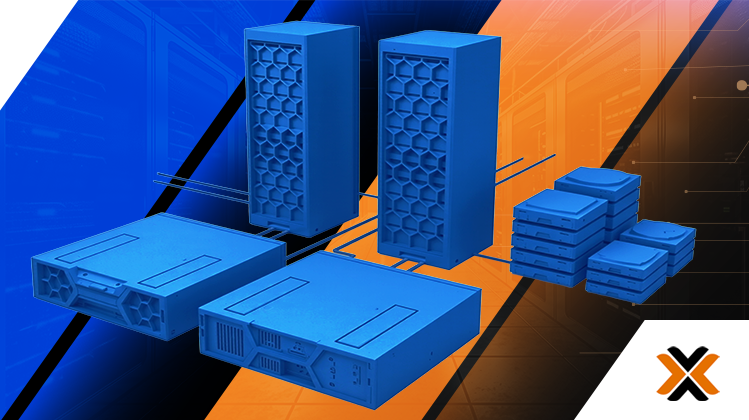
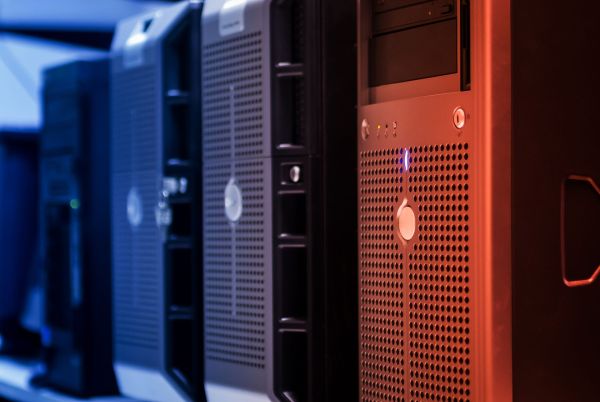
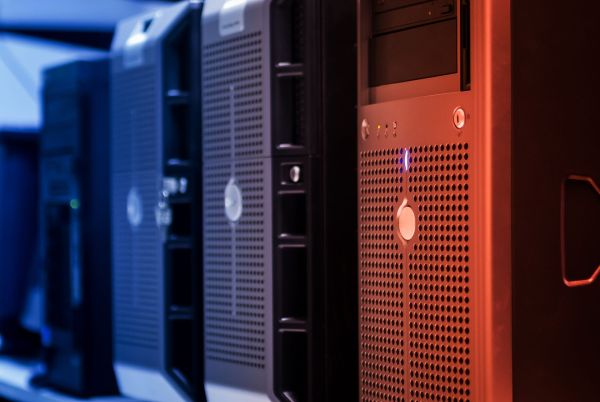
In an office without a server room Tower usually wins, because it's quiet and can sit in a normal room, while Rack makes sense when you plan infrastructure expansion.
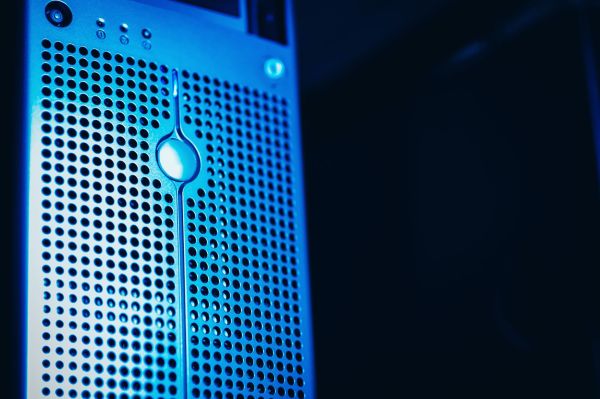
- Tower (PowerEdge T150, T350) – quiet operation, compact chassis, "office-friendly" construction.
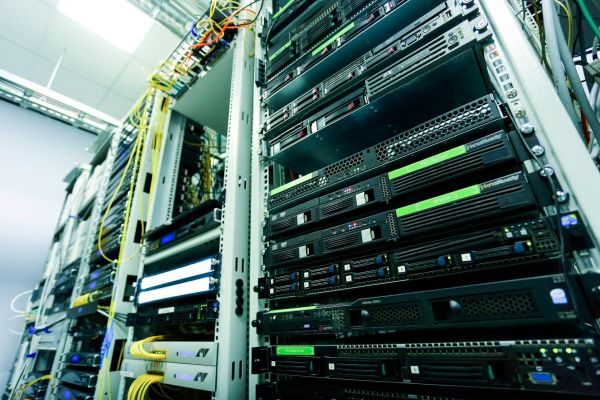
- Rack (R250, R350) – requires 19" cabinet, louder, but easier for further expansion.
- 5-10 users, no rack cabinet → T150 as first server
- 10-20 users, growth plan → T350 or R350 with more headroom
PowerEdge T150 is a typical first server: Xeon E-2300, up to 128 GB RAM, several drive bays, integrated iDRAC9 for remote management. For a growing company T350 offers more drive bays and greater flexibility for future virtualization.
If you already have a Rack cabinet or plan a second server in the future, sensible choice would be R250 as budget start or R350 as a step higher.
Tower vs Rack decision is not a matter of prestige. It's a matter of local conditions and growth plans. In a small company without a server room, Tower is usually most sensible – quiet, simple, sufficient.
How much RAM is enough to start with in small company server – 32 or 64 GB?
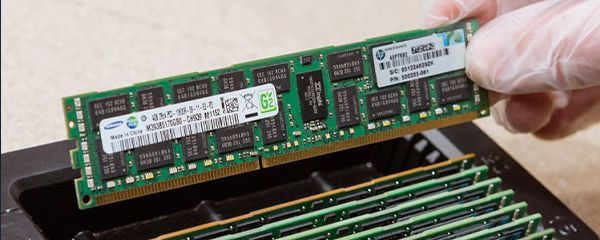
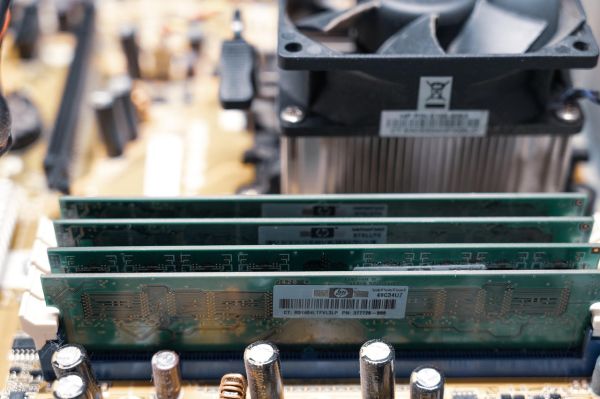
For 5-20 users, 32 GB RAM is minimum, while 64 GB offers clear comfort and headroom for years ahead.
- 32 GB RAM – 2-3 simple roles (AD, files, printing), without elaborate virtualization.
- 64 GB RAM – accounting application on SQL, 2-4 VMs, headroom for new systems.
- T150/T350 and R250/R350 models support up to 128 GB DDR4 ECC.
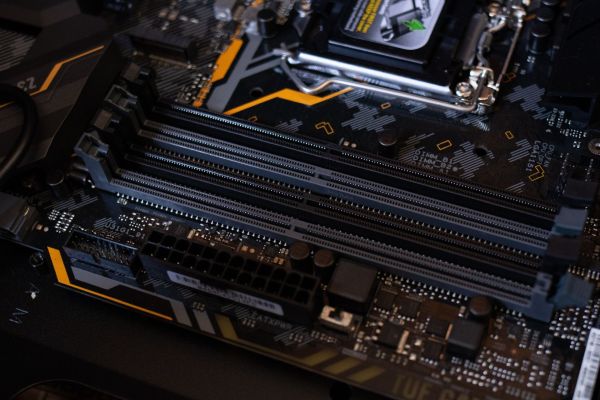
- It's good to leave free RAM slots for the future.
In practice 32 GB suffices if server acts as domain controller and file storage. Problem starts when accounting system with SQL database is added or 2-3 virtual machines need to run. Then 64 GB stops being a "luxury" and becomes a safe starting level.
Most sensible small company server configuration is one where you start with 32-64 GB RAM, but leave possibility for simple expansion to 96 or 128 GB without replacing the entire platform. This flexibility is what determines whether in three years you add memory or buy a new server.
RAID 1 in small company server – minimum safety that really makes a difference
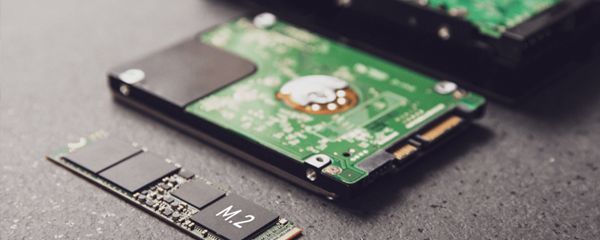
If you're configuring a server for a small company, RAID 1 is absolute minimum you shouldn't go below – single disk is asking for downtime.
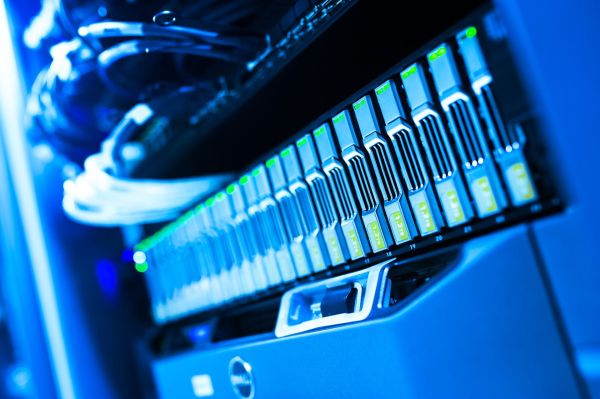
- 2 drives in RAID 1 (mirror) – data written in parallel on both drives.
- Failure of one drive doesn't stop company operations.
- Hardware RAID controller (e.g. H355 in Dell servers) with array health monitoring.
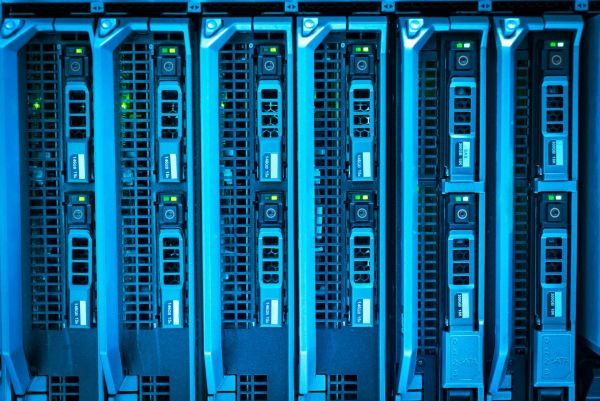
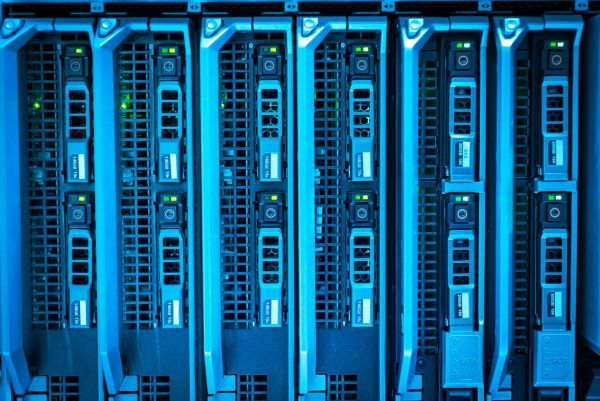
- Ability to replace drive "hot" in models with hot-swap bays.
In a small company, disk failure isn't just a technical problem. It's real operational downtime: no document access, accounting software unavailable, no ability to issue invoices. RAID 1 eliminates this scenario – if one drive is damaged, server continues working and you have time to calmly replace the disk.
However, it must be said plainly: RAID is not backup. If someone deletes a file or ransomware encrypts data, the array will write changes to both drives simultaneously. That's why sensible small company server configuration should also include regular backups – to external drive, NAS or cloud. Simplest starting scheme? 2× SSD in RAID 1 for system and data + separate space for daily/weekly backup. It's minimal cost compared to risk of data loss.
Remote management and expansion capability – why in small company this matters more than extra cores
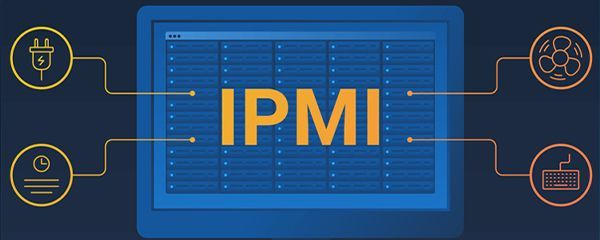
In a small company without on-site administrator, it's crucial that the server can be diagnosed and managed remotely – even when the operating system won't start.
- iDRAC9 in Dell servers – remote power on/off, console view (KVM-over-IP).
- Monitoring of temperatures, drives, power supplies and hardware logs.
- Ability to install system remotely via virtual ISO.
- Support for further expansion – free RAM slots and drive bays.
iDRAC works independently of Windows or Linux. If system won't start, you can still log into the controller, check hardware logs, diagnose the problem or reinstall the system without physical presence at the server. In practice, this means fewer stressful situations and fewer "emergency" service visits.
Second thing is scalability. Small company rarely buys a server for a decade. Realistic horizon is 3-5 years of growth. That's why small company server configuration should leave headroom:
- free RAM slots to move from 32 GB to 64 or 96 GB,
- free drive bays to add another SSD,
- PCIe slot for faster network card 10 GbE in the future.
This flexibility is what means in two years you don't replace the entire platform, just exactly what you need.
Check your configuration before ordering
If you're unsure whether to choose T150, T350 or R250, test different options in the server configurator. In a few minutes you'll see differences between 32 and 64 GB RAM, RAID 1 vs more drives or expansion option. Better to perfect configuration now than modernize it after the first year of work.
FAQ
Is 32 GB RAM enough for 15 users?
Yes, if server handles basic roles (AD, files, printing). With accounting system on SQL or planned virtualization, safer to choose 64 GB right away.
Can I start with one disk and add a second later?
Technically yes, but it's risky. Without RAID 1 disk failure means downtime. Better to implement mirror from the start and have peace of mind.
Will Tower work in an office without server room?
Yes. Tower models are designed for office space operation – they're quieter and don't require Rack cabinet.
Is iDRAC needed in small company?
Definitely yes. It enables remote diagnostics and system installation even when server won't boot properly.
Is one server enough for everything?
For 5-20 users usually yes. Key is however regular backup execution and leaving room for future expansion.