/ USD
/ USD
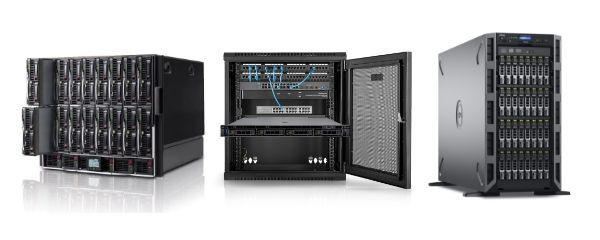
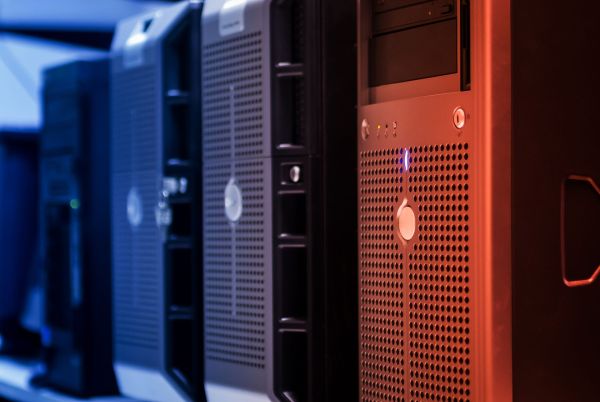
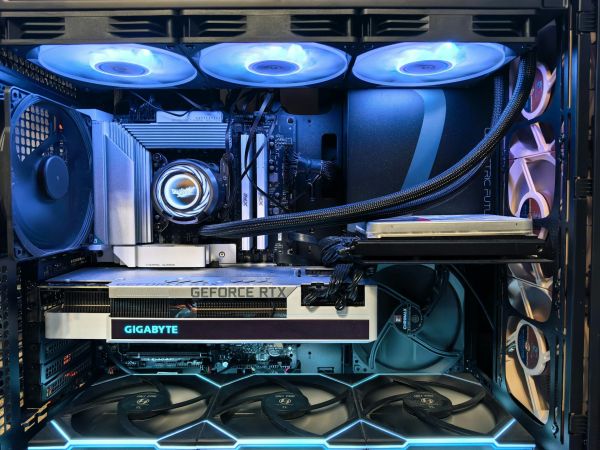
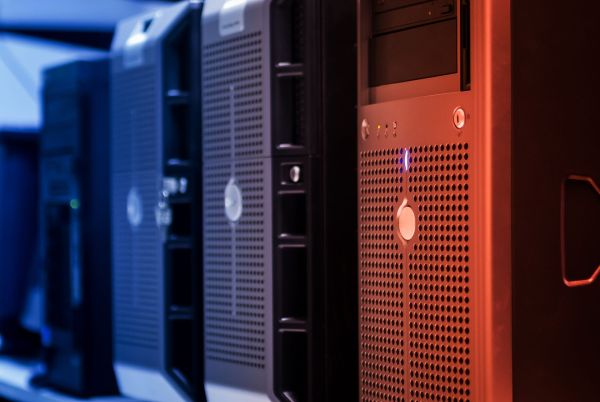
Tower server is not a relic of the past – it's still a real, sensible option for companies that don't need an entire rack cabinet but want organized IT infrastructure. It looks like a larger desktop computer from the outside, but under the chassis hides enterprise-class solutions: RAID controllers, ECC RAM, redundant power supplies, remote management and virtualization support.
How does a Tower server work and why don't we need a whole server room right away?
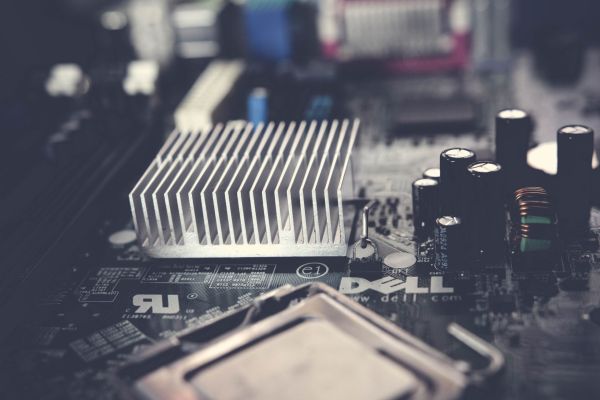
A Tower server is a standalone unit – it works without needing to invest in a Rack cabinet, industrial cooling or a special room. A desk, power and network access are enough. And under the chassis? The same as in Rack servers – but in a more "office-friendly" form.
What will we find inside a Tower server?
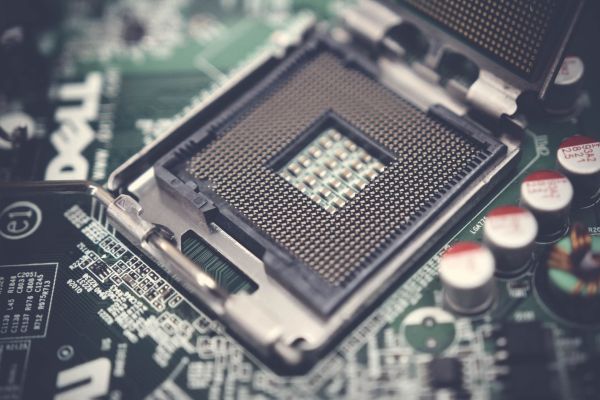
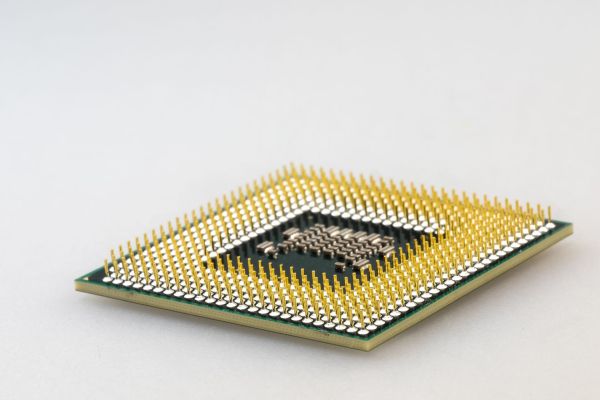
- Intel Xeon or AMD EPYC processors – even dual-socket configurations,
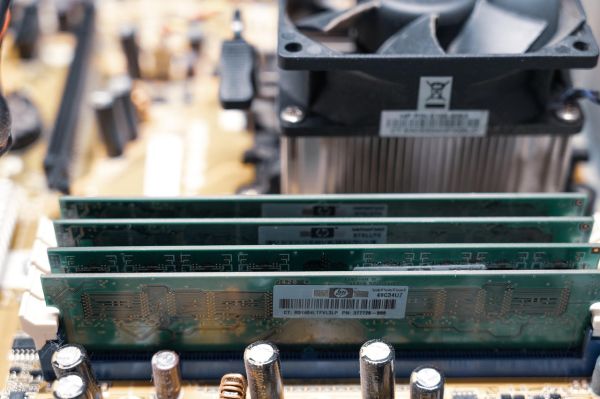
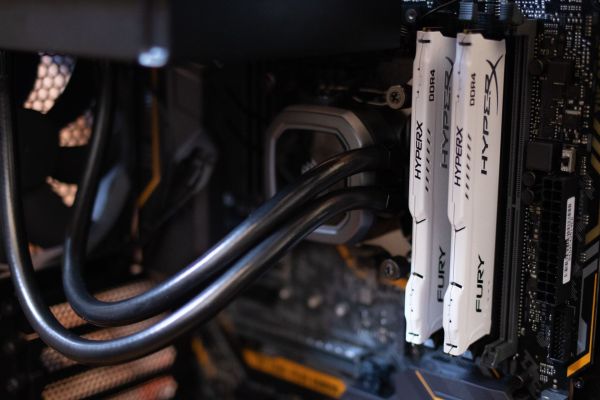
- RAM memory with ECC correction (protecting against errors),
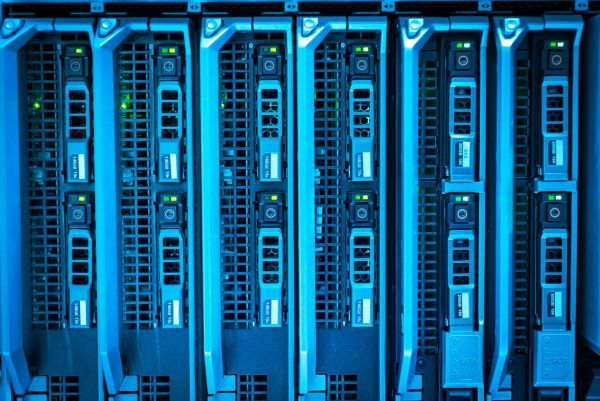
- Drive bays (for 4-8 drives depending on model),
- RAID controllers and PCIe sockets for additional cards,
- Ability to work 24/7, with redundancy and server features.
You don't need a dedicated cabinet, air-conditioned server room or team of administrators. Tower server is a good entry point to the world of IT infrastructure. Works independently, doesn't make noise like a typical Rack and in most cases – fits under a desk.
Tower server, desktop computer, "cabinet" – what's the difference and what to watch out for?
From the outside, a Tower server might look like a regular PC. But inside it's a completely different class of equipment. The difference doesn't lie in the chassis, but in purpose, construction and parameters. And this is where many users are mistaken – buying a "powerful computer" instead of a true server.
We've collected the main differences between a Tower server and desktop computer in the points below.
- Stability – servers have enterprise-class components, operate without restarts for hundreds of days,
- ECC RAM – memory with error correction, unavailable in typical desktops,
- Redundant power supplies – in many models you can replace PSU without shutting down the equipment,
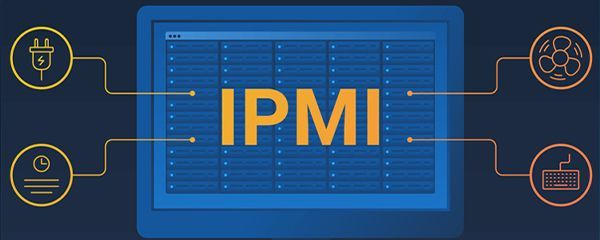
- Remote management – via iDRAC (Dell) or iLO (HP), without needing physical access,
- 24/7 operation – server is designed for continuous operation for years.
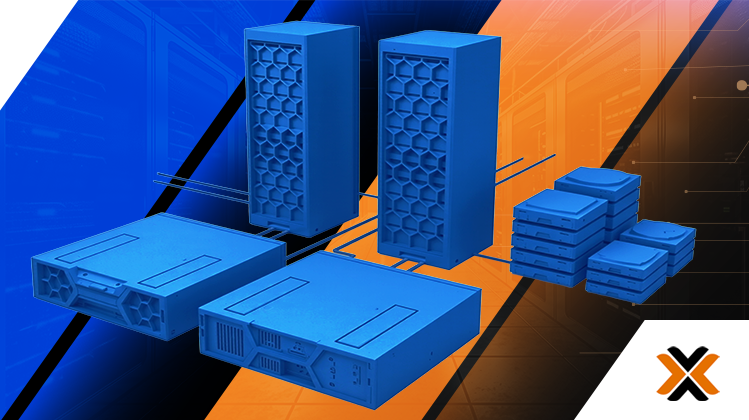
And what about a "cabinet"? This is a common shorthand. In Tower context you don't need a Rack cabinet – the device stands independently. If the need for standardization arises later, many Tower models can later be moved to a Rack chassis (so-called conversion).
When is Tower a better choice than Rack? We'll advise
Tower wins where simplicity, quiet operation and low entry costs matter. If a company doesn't plan to build a VM cluster or doesn't use ten physical servers – Rack can be overkill. And Tower? Takes little space, deploys easily and lasts a long time.
Example applications where Tower has an advantage:
- small offices (5-20 people) with one ERP or CRM system,
- service companies needing backup and file server,
- test, development, staging environments for developers,
- local database servers (e.g. Optima, Subiekt, Insert),
- solutions with single virtualization (e.g. Hyper-V or VMware Essentials).
Rack starts making sense when the number of units grows and everything needs to be organized. But until then, Tower not only suffices – it's often cheaper, quieter and more intuitive to operate.
1U, 2U, 4U… does this even apply to Tower? How to understand measurements and scalability?
With servers you often encounter terms like 1U, 2U or 4U – but in the case of Towers, these designations don't apply directly. They result from Rack format, where 1U means height of 1.75 inches (approx. 4.45 cm) and allows estimating how many units fit in a cabinet. Tower, on the other hand, is a standalone device – its height is simply measured in centimeters, not U units.
This doesn't mean Tower can't be integrated with a Rack cabinet – many models (e.g. Dell T440, T550, HP ML350) have optional conversion kits that allow mounting them horizontally in a standard cabinet. But standardly, Tower stands next to a desk, in a server room, and sometimes… even in a cabinet in a break room. This is exactly physical flexibility that's one reason Towers work so well in smaller companies.
In terms of scalability, Tower can be misleading – because it looks like a closed form from the outside. But many models offer:
- RAM expansion up to 1 TB (in dual-processor models),
- many drive bays – even 8-16 LFF/SFF slots,
- PCIe slots for controllers, GPUs, 10GbE network cards,
- even dual PSU (redundant power supplies) – a typically "rack" feature.
So if someone thinks Tower is just a "more powerful PC" – they're oversimplifying. It's a full enterprise-class server, just in a different chassis.
Tower servers for small, medium and large companies – what to choose?
Not every Tower server is the same level. Differences can be huge – both in terms of performance and price. That's why it's important to match the model to business scale and real tasks, not "just in case" or based solely on specs.
For small companies (up to 20 users):
- Dell PowerEdge T130 / T150 / T330 – ideal for files, backup, accounting, basic database. Simple to manage, small, quiet,
- HP ProLiant ML30 Gen10 / ML110 Gen10 – good option for companies needing something "to start", but with expansion potential.
For medium companies (20-50 users, ERP, VM, CRM):
- Dell T340, T440, T550 – one or two processors, more RAM, hardware RAID, virtualization readiness,
- HP ML350 Gen10 – powerful, flexible solution, often found in law offices, clinics, warehouses.
For larger environments or dispersed offices:
- better to move to Rack or consider Blade – but sometimes several Towers make more sense than one larger Rack, especially in dispersed environments (e.g. 3 offices, 3 Towers).
It's also worth remembering that Hardware Direct's offering includes refurbished configurations – with warranty, fully functional, but much cheaper than new models from distribution. For many companies it's an option that lets them enter the server world without burning budget.
Tower servers – how much do they cost, how much power do they consume and how to operate them?
Tower server prices start from approximately 1,000-1,500 PLN net for units like Dell T130 / HP ML10, ready for simple tasks. Mid-range models (T340, T440, ML350) cost from 3,000 to 8,000 PLN – depending on RAM, drives and licenses. New equipment straight from distribution runs even 15-25K PLN. But refurbished units from Hardware Direct offer the chance to assemble enterprise-class equipment – at half the price.
Power consumption?
- Small units (e.g. T130, ML30) – approx. 70-120 W during operation.
- Larger (T440, ML350) – 150-350 W depending on load and number of drives.
Operation:
- regular firmware updates,
- fan filter inspection every few months,
- disk health monitoring (e.g. SMART),
- backup via UPS or cloud replication.
These aren't devices you "need to know how to repair" – it's equipment designed to work predictably. And if something happens – most failures can be predicted ahead of time thanks to iLO/iDRAC.
Tower servers at Hardware Direct. Ready, tested, available immediately
At Hardware Direct you'll find a full range of Tower servers – from simple T150 to elaborate T640 and ML350 Gen10. Every unit is tested, ready to work and available in configurations tailored to your scale.
On hardwaredirect.pl you'll find, among others:
- Dell PowerEdge T130, T150, T330, T340, T440, T550, T640 – great for SQL, files, ERP and virtualization,
- HPE ProLiant ML30, ML110, ML350 Gen10 – quiet, stable, with excellent energy efficiency,
- ability to select: RAID, drives (HDD/SSD), RAM, network cards, redundant power supplies,
- configurations with 12 or 24 month warranty,
- availability "right now" – without waiting weeks for delivery from distribution.
Don't know what to choose? Get in touch. We'll help select something that will work stably and without workarounds. Tower? Rack? We'll start with the question – what should this server do? – and then suggest a sensible answer.
FAQ
Is a Tower server just a more powerful desktop computer?
No. Although it may look similar from the outside, a Tower server has completely different components and purpose. It's equipment created for 24/7 operation, equipped with ECC RAM (with error correction), redundant power supplies, RAID controllers and remote management (iLO, iDRAC). Desktop computers don't have such features.
Can a Tower server be put in a Rack cabinet?
Not every one, but many can. Dell servers (e.g. T440, T550, T640) and HP (e.g. ML350 Gen10) have optional mounting kits that let you convert them to rack format. This is useful when a company grows and starts building a server room.
How much power does a Tower server consume?
It depends on the model, number of drives and workload. For example:
- Dell T150: approx. 90-120 W during operation,
- Dell T440: 150-300 W,
- HP ML350: 200-350 W, sometimes more at maximum load.
This is less than rack servers of the same class – Towers are often more energy efficient in small and medium deployments.
Does a Tower server have to run 24/7?
Not necessarily – but it can. It's equipment designed for 24/7 operation, so if you need a machine running only during work hours, Tower will "adapt" without problem. On the other hand – if it needs to handle night backups, monitoring or 24-hour VMs – it will manage that too.
Who is Tower server a good choice for?
For companies that:
- don't have a dedicated server room,
- need only one or two units,
- want to start without big investments,
- value quiet operation and ease of use.
Towers work great in accounting, sales, manufacturing, healthcare, IT services and education.
Can a Tower server be easily expanded?
Yes – most Tower models have plenty of space in the chassis and easy component access. You can add RAM, replace CPU, add network cards or RAID controller. For smaller environments this is a huge advantage – because it lets you extend equipment lifecycle without needing to replace the entire server.