/ USD
/ USD
A database doesn't forgive configuration mistakes – if hardware is poorly selected, the application starts to "choke", users wait for responses, and the IT department explains delays. In practice, an efficient SQL server is not a matter of "most expensive configuration", but conscious balance between RAM, storage, CPU and entire platform architecture. If you're planning ERP, CRM, warehouse system or reporting environment implementation – it's worth organizing this topic before purchase, not after first failure. Below we move to specifics: how much memory is really needed, when NVMe makes a difference and whether two processors always make sense.
How much RAM does SQL really need? See where theory ends and "working set" begins
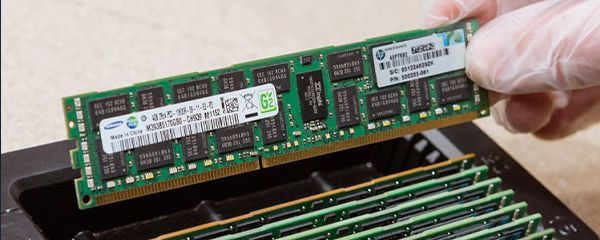
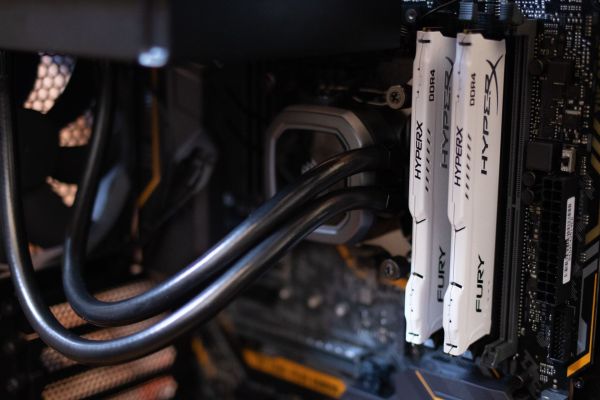
SQL needs as much memory as your real "working set" requires – the actively used portion of the database must fit in RAM, otherwise the server will constantly reach to disk.
- 64-128 GB RAM – typical OLTP environment for 20-50 users, database size 50-150 GB.
- 128-256 GB RAM – companies with 100-300 users, databases 200-500 GB.
- 256-512 GB and more – mixed environments, reporting, OLAP, databases 0.5-2 TB+.
- SQL can use even 60-80% available memory for buffer pool and cache.
- Additional RAM doesn't increase MS SQL licensing per core cost – and often gives bigger effect than more cores.
In practice the problem isn't that database is 400 GB, but that actively used 120-200 GB doesn't fit in memory. Engines like Microsoft SQL Server, PostgreSQL or MySQL aggressively buffer data – they keep table pages, indexes, query plans, sort and join structures in RAM. Add to that query parallelism, hash operations, reporting queries that can "eat" additional dozens of gigabytes as working space. If RAM is insufficient, everything lands on storage and I/O fight begins. And then even fast processor won't help.
You usually see this like this: morning, when users log into ERP, system runs fairly smoothly. Afternoon, when reports and integrations come – response time grows. That's memory shortage. So instead of asking "how large is the database?", ask: how much data is actively used every day? If SQL fits its working set in RAM – server operates predictably. If not – randomness starts. And in business environment randomness is the most expensive infrastructure characteristic.
NVMe or SAS 15K? If your database "grinds" I/O – this decision will make a difference in milliseconds
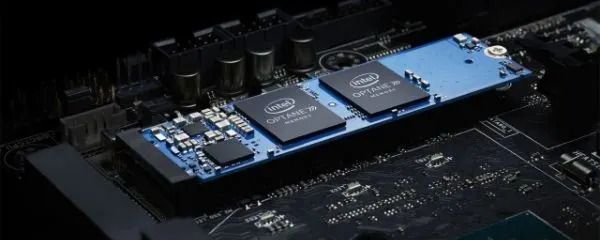
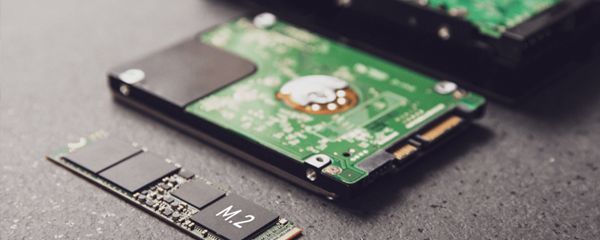
If you care about stable application response time, choose NVMe for data and logs – latency differences are at level that users really notice.
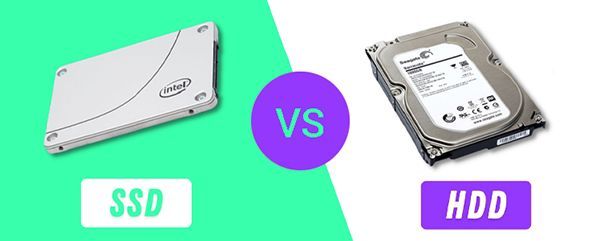
- SAS 15K HDD – average latency 3-5 ms, about 180-250 IOPS per disk.
- NVMe SSD (enterprise) – latency 20-100 µs, meaning even 50-100× faster, IOPS in tens or hundreds of thousands.
- NVMe offers throughput of 2-7 GB/s, SAS 15K usually 150-250 MB/s.
- RAID 10 for OLTP gives clearly better write performance than RAID 5/6.
- Transaction logs should be on separate, low-latency volume.
Disks are the most common SQL bottleneck. You can have 16 cores, 256 GB RAM, but if logs and data sit on slow storage – server will wait. In OLTP environments with thousands of small transactions daily, what matters most is data access time, not just raw capacity. NVMe reduces latency to fractions of milliseconds, stabilizes log writes and reduces I/O queues. Result? Fewer "freezes" in application, more predictable response times, fewer IT tickets.
SAS 15K still makes sense in archives, less-loaded environments or as cheaper backup tier. But if you're deploying new SQL server and plan operational work – NVMe stops being luxury, becomes standard. Few NVMe disks in RAID 1 or RAID 10 can replace a dozen disk drives in IOPS. In practice this means fewer components, fewer failure points and lower power consumption at same – often much higher – performance.
1 CPU or 2 sockets? Check whether adding cores won't increase costs more than performance
In most small and medium deployments, one powerful processor at high clock speed is better choice than two weaker with more cores.
- 8-16 cores at high clock often suffice for OLTP for 200-300 users.
- MS SQL licensed per core – more cores means higher license cost.
- With 2 CPU comes NUMA architecture requiring conscious configuration.
- Incorrectly set MAXDOP can increase latency between memory nodes.
- Consolidation of multiple SQL instances or VMs is one of real reasons to choose 2 sockets.
In theory more cores sound good. In practice what matters is how SQL engine uses threads and what the licensing model looks like. If you use MS SQL Standard, you have limits that mean adding second processor doesn't always bring proportional performance increase. Moreover, with two sockets, memory divides into NUMA nodes. If configuration isn't thought through, queries start communicating between nodes, raising latencies. This isn't hardware error – it's architecture issue.
That's why before deciding on 2-socket platform, answer one question: is CPU the real bottleneck, or maybe storage or RAM? In many ERP and CRM environments the problem isn't lack of cores, but I/O or under-estimated memory. Well-chosen 1-socket in Dell PowerEdge R650, R750 or R760 series can work stably for years – without generating unnecessary license costs. And if you plan consolidation of multiple instances or intensive reporting – then two processors make sense. Key lies in scenario, not CPU count in spec.
R650, R750 or R760? Choose platform matching company scale
Model selection should result from workload and growth plan, not "what looks nice in specs".
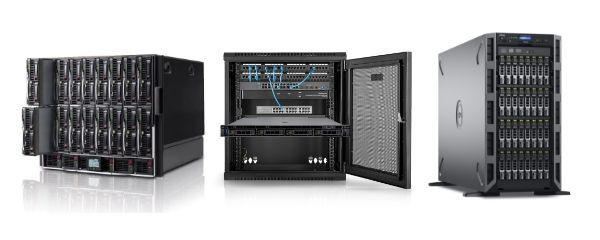
- Dell PowerEdge R650 (1U) – high density, good solution for smaller and medium OLTP, colocation.
- Dell PowerEdge R750 (2U) – more bays, more RAM, universal for OLTP + reporting.
- Dell PowerEdge R760 (2U, newer generation) – more PCIe lines, modern I/O, better base for SQL + virtualization.
- Ability to install multiple NVMe, wide RAM ranges – even several TB RAM depending on configuration.
If you run company with 80-150 users and plan classic ERP environment – R650 with powerful 1× CPU and 128-256 GB RAM will be sensible, stable foundation. When reporting, data warehouse or multiple SQL instances come into play – R750 gives more space for disks and expansion. Meanwhile R760 is platform for environments growing fast and requiring modern I/O architecture, more NVMe and stronger PCIe section.
In practice difference between these models isn't "newer vs older". It's about scalability, resource availability and whether in two-three years you'll need to replace platform or just add RAM and disks. In database environment this decision has long-term consequences.
SQL on physical server or as VM? See where you gain flexibility, where stability
If you care about maximally predictable performance – bare-metal wins; if about flexibility and fast management – VM offers more options.
- Bare-metal – no "noise" from other VMs, full resource control, simpler per-core licensing.
- VM – snapshots, migrations, HA at hypervisor level.
- Virtualization requires RAM and CPU reservation – overcommit with SQL is asking for problems.
- Storage under VM must be efficient – SQL doesn't tolerate shared, overloaded I/O.
In small and medium companies, hybrid model often works: powerful virtualization host + dedicated SQL instance with guaranteed resources. If database is critical to business – consider separate physical server. Then you have clarity: this environment solely handles data, without risk that another virtual machine "steals" RAM during peak hours.
RAID is not HA. How to design replication so server failure doesn't stop company
RAID array protects data from disk failure, but doesn't protect against entire server failure – and these must be clearly separated.
- RAID 1 / RAID 10 – protection against disk failure, faster rebuild than RAID 5/6.
- Synchronous replication (e.g. Always On) – RPO close to 0, higher write latency.
- Asynchronous replication – smaller performance impact, possible loss of few seconds of data.
- Primary + local replica + optional DR node in different location model.
- Backup still mandatory – logical errors replicate to all nodes.
For small and medium company sensible scenario is primary server + standby in same location + backup outside. In larger organizations third DR location is added. Key are two parameters: RPO (how much data can you lose) and RTO (how fast you recover). If you don't have these defined, infrastructure isn't ready for crisis.
Want to see what such configuration looks like in practice?
Instead of guessing, test different scenarios in server configurator on our website. In a few minutes you can select:
- platform model – R650, R750, R760 and many others,
- number and type of processors,
- RAM amount matched to working set,
- disk layout – NVMe, RAID 1/10, separate volumes for logs and backup.
This way you'll see real configuration cost and easily compare variants: 1 CPU vs 2 CPU, 128 GB vs 256 GB RAM, SAS vs NVMe. If unsure – consult configuration before ordering. Better to clarify assumptions now than modernize environment after half a year.
FAQ
Does entire database need to fit in RAM?
No. Key is that actively used data portion (working set) fits in memory. Rarely used archive can stay on disk without significant impact on daily work.
Is NVMe always necessary?
In OLTP environments with many small transactions – practically yes. In less loaded systems SATA SSD can be used, but with heavy I/O NVMe clearly stabilizes response times.
Do two processors always mean higher performance?
No. In many cases better effect comes from one processor at higher clock speed. Second socket makes sense with consolidation, reporting or very large user numbers.
Does RAID replace backup?
No. RAID protects against disk failure. Backup protects against user error, ransomware, data deletion or application error. These are two different protection levels.
Is SQL better installed on separate server?
If database is critical to business – often yes. Dedicated server provides predictable performance and easier resource control. In smaller environments virtualization is acceptable, but with proper RAM and CPU reservation.