/ USD
/ USD
Salespeople like to call a NAS a “file server”, so it is easy to think it is simply a cheaper server. It is not. A NAS is a device built to store data, a server is a machine built to compute – and that difference decides whether your Optima will start up or hang at launch. Below we show where the boundary runs, what a NAS will realistically handle and why in many companies both work best together.
A NAS and a company server – what is the difference?
The shortest definition doing the rounds among administrators is surprisingly accurate: if the device does heavy computational work, it is a server; if it protects data, it is a NAS. A NAS (Network Attached Storage) is a specialised enclosure with drives, a controller and a closed operating system, plugged into an Ethernet network. A server is a fully-fledged general-purpose computer on which you can run practically anything.
That difference has specific architectural consequences. A NAS shares data at the file level (the SMB and NFS protocols), which makes it excellent for sharing documents but less capable with databases, which need block-level access. A server has no such limitations – it can handle virtualisation, an SQL database, a domain controller and email all at once.
|
File access and block access – what is this about?File access works like a network drive: you ask for a whole file and you get a whole file. Block access works like a drive plugged straight into the server: the system operates on raw fragments of data. Databases and virtual machines prefer block access, because it is faster with thousands of small operations. That is why a NAS can be a bottleneck where a server would not even slow down. |
The simpler the operation, the narrower the range of applications. That is not a flaw of the NAS – it is its design assumption.
What will a NAS handle, and what requires a server?
This is where the practical part begins, because theory is theory, but the question is always the same: will it run Optima? The answer depends on the task, not on the price of the device.
A NAS will handle files and backups impeccably. Above this line the compromises begin.
Three items in this table are worth expanding on, because that is where people most often come unstuck.
- First, virtualisation: newer NAS units can run virtual machines, but only to a limited extent – they lack processor power, memory and room for expansion. For one lightweight VM it is enough, for a production environment it is not.
- Second, databases. A NAS will handle a small, mainly read-only database. With an ERP system and a dozen or so simultaneous users and intensive writes it starts to choke, because the file layer adds overhead and the processor in a NAS is designed for moving files, not for computation.
- Third, the domain controller – a NAS can act as a file server within a domain, but it will not replace a full Active Directory with group policies and user management.
And the most important limitation, one few people think about when buying: scalability. You are limited to the number of bays in the NAS enclosure. Once you fill them, you buy a new device. In a server you add drives, RAM, a processor, or connect an external storage array and carry on with the same machine.
Is a NAS safe for company data?
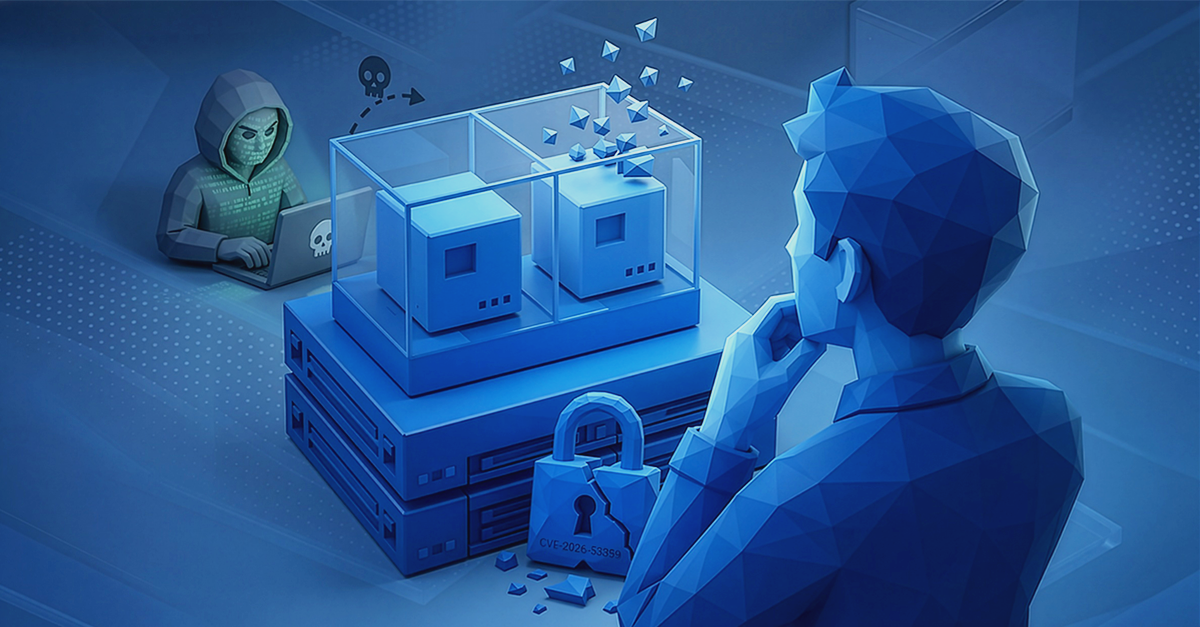
It is, as long as you keep it updated and do not expose it to the internet. The problem is that NAS units are an exceptionally attractive target – they hold data, they often sit in small companies with no IT department, and they get plugged straight into the public network. History has plenty of examples.
In 2024, the vulnerability CVE-2024-10443 (“RISK:STATION”) was found in Synology DiskStation devices – a zero-click vulnerability allowing remote code execution with root privileges without any user interaction. The manufacturer patched it within 48 hours of the report, but it affected millions of devices. Over the same period QNAP was fixing three critical zero-days exploited during the Pwn2Own Ireland 2024 contest, and a year later – seven more after the 2025 edition. On top of that come ransomware families such as eCh0raix and Qlocker, written specifically for QNAP and Synology NAS units.
|
Zero-click and zero-day – what do they mean?Zero-day is a vulnerability the manufacturer does not yet know about (or has not managed to patch) at the moment of first exploitation. Zero-click means an attack that requires the user to click on nothing at all – there is no phishing and no attachment, it is enough for the device to be reachable from the network. That is the most dangerous combination there is. |
The conclusion is not “do not buy a NAS”, but: a NAS requires the same discipline as a server – regular firmware updates, disabled internet access, strong passwords and multi-factor authentication. A server does give you more control tools: extensive logs, segmented permissions and management over a dedicated administrative channel. If you fall under the NIS2 directive, that difference starts to have a formal dimension – we write about it in the article on cybersecurity under NIS2.
ECC memory and data integrity – where a NAS cuts corners
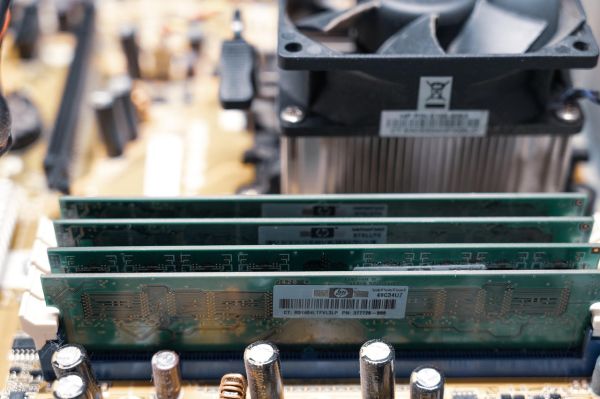
This is a difference that does not leap out of the specification, but can matter with critical data. ECC memory, which corrects single-bit errors, appears in off-the-shelf NAS units only in the higher series – at Synology in the XS/XS+ lines and some Plus models, at QNAP in the enterprise lines. Consumer two- and four-bay enclosures from every manufacturer run on non-ECC memory. In a company server, ECC is standard, not an option.
Why does that matter? Because file systems with checksums, such as Btrfs or ZFS, protect data after it has been written to disk – but if the data was already corrupted in RAM before the checksum was calculated, the system will faithfully preserve the corrupted version. ECC is the only layer working at that stage.
There is one more nuance here that NAS manufacturers leave out of their brochures. In Synology devices, redundancy is not delivered by Btrfs itself but by a classic RAID layer – the system will detect data corruption, but automatic repair is not guaranteed at all RAID levels. In practice this means that part of the “self-healing file system” promise only works in specific configurations. How to choose a RAID level for your own data we break down in a separate article: RAID – data protection or an unnecessary expense?.
NAS or server – a comparison of cost, operation and capabilities
The most important differences in one place. The “NAS” column refers to business-class devices, not domestic two-bay boxes.
|
Criterion |
NAS |
Company server |
|
Main job |
storing and sharing data |
computation and running applications |
|
Access level |
file (SMB, NFS) |
file and block |
|
Deployment |
simple, in a few hours |
requires configuration and knowledge |
|
Expansion |
limited by the number of bays |
CPU, RAM, drives, storage arrays |
|
ECC memory |
higher series only |
standard |
|
Entry cost |
lower |
higher, including licensing |
|
Administrative effort |
low |
higher, requires attention |
By choosing a NAS you pay less up front and save the administrator's time. By choosing a server you buy capabilities you may not need today – but in two years, with a new ERP system or a virtualisation requirement, you will not have to start from scratch. If you do not know which side of that boundary you are on, just describe to us what has to run and how many users you have – we will pick the hardware without selling you capacity you will not use.
When is a NAS enough in a small company?
There are scenarios in which buying a server is burning budget. A NAS is enough when:
- a handful or a dozen or so people share documents, projects and photos,
- you need space for backups of workstations,
- business applications run in the cloud and you only keep files locally,
- you have nobody in the company who will take care of maintaining a server.
In that setup you will deploy a NAS in a single afternoon, and operating it comes down to keeping an eye on updates and swapping a drive when the red LED lights up. It is worth choosing drives from the class intended for continuous operation – you will find a selection among hard drives for server applications.
When do you need a company server?
The boundary runs at the point where an application appears, not just a file. A server becomes necessary once ERP (Comarch, Optima, Enova365), an SQL database under real load, virtualisation of several systems, a domain controller or your own email come into play.
The second signal is availability requirements. A company server gives you redundant power supplies, a hardware RAID controller with cache backup and remote management via iDRAC or iLO – that is, the ability to diagnose and restart the machine without entering the server room. A NAS usually has a fraction of that. The third is the growth outlook: if the company grows, you expand a server, you replace a NAS.
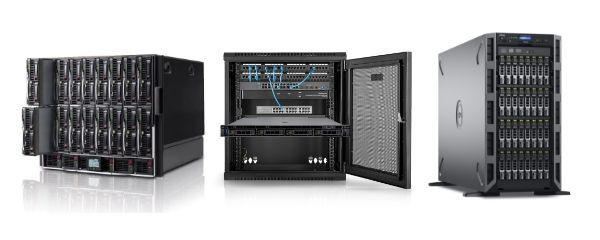
For small companies the natural entry point is a server in a free-standing enclosure – it needs neither a rack cabinet nor a server room, and stands in an ordinary office space. You will find specific models among Tower servers, and at larger scale in the servers category. How to match capacity to the number of users we set out in the guide “Which server should you choose?”.
The most common scenario: a NAS and a server together
After years of advising on purchases like this, we see that in many companies the question “NAS or server” is wrongly framed. The setup that works best is one where the server computes and the NAS stores – the server handles ERP, the database and virtualisation, while the NAS acts as a file store and a target for backups. Each device does what it was built for.
That split also makes sense from the point of view of data security. A backup kept on a separate device, on a different system and preferably offline, will survive a server failure and a ransomware attack – because ransomware operators look for backups first, in order to destroy them. One device doing everything at once is one point of failure and one point of intrusion.
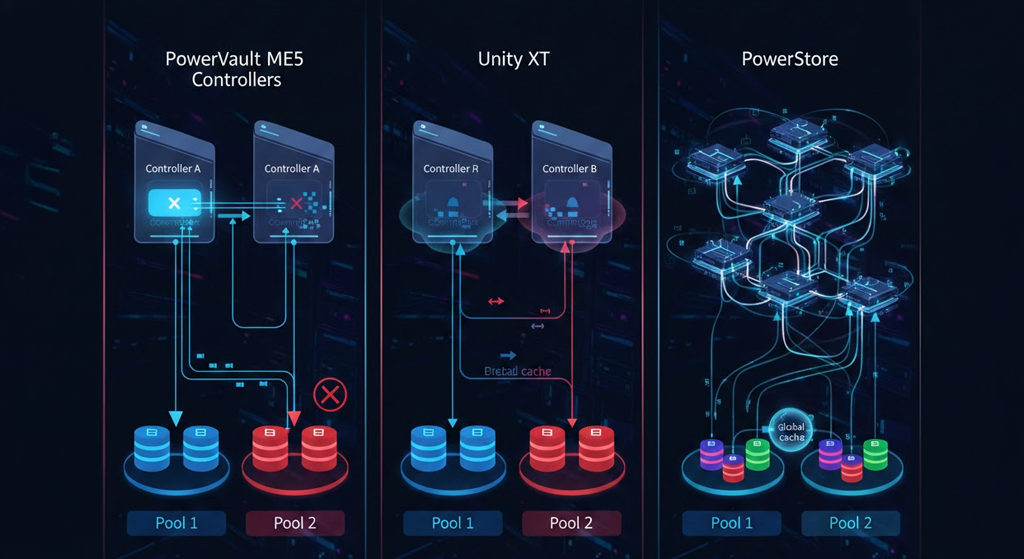
At larger volumes the storage role is usually taken over not by a NAS but by a Dell PowerVault storage array – with redundant controllers and the ability to share resources across several servers. That is the natural next step once a NAS starts to be a bottleneck. If you are building the backup layer from scratch, the starting point is the article on data archiving, and for the hardware itself – our Knowledge Base and a consultation with our team. Send us the list of applications that have to run, and we will answer with a specific configuration instead of a catalogue.
FAQ
Can a NAS replace a server in a company?
Only when you need file sharing and space for backups. A NAS will not replace a server for ERP, an SQL database under load, production virtualisation or a domain controller – it lacks the computing power and the room for expansion.
Can virtual machines be run on a NAS?
Newer models can do it, but only to a limited extent. It will work for a single lightweight test machine. For a production environment you need a server with an appropriate number of cores, memory and headroom for expansion.
Is a NAS safe?
It is, provided it is kept updated and not exposed directly to the internet. NAS units do get targeted: in 2024 a zero-click vulnerability (CVE-2024-10443) allowing remote code execution was found in Synology devices, and QNAP was patching zero-days after successive editions of Pwn2Own. Ransomware families such as eCh0raix are written specifically for NAS units.
Does a NAS have ECC memory?
Only in the higher series – at Synology in the XS/XS+ lines and some Plus models, at QNAP in the enterprise lines. Consumer two- and four-bay enclosures run without ECC. In a company server, ECC memory is standard.
Which is cheaper – a NAS or a server?
A NAS has a lower entry cost and less administrative effort, because it requires neither a server operating system licence nor constant attention. A server costs more, but gives you room for expansion, thanks to which you do not have to replace the hardware with every new requirement.
Is it worth having a NAS and a server at the same time?
In many companies this is the best setup: the server handles applications and databases, the NAS stores files and backups. Separating the roles limits the effects of a failure and makes it harder for attackers to encrypt production data and the backups at the same time.
Bibliography
- CERT-EU – Security Advisory 2024-115: QNAP NAS Zero-Day Vulnerabilities – https://cert.europa.eu/publications/security-advisories/2024-115/pdf
- The Hacker News – Synology Urges Patch for Critical Zero-Click RCE Flaw Affecting Millions of NAS Devices (2024) – https://thehackernews.com/2024/11/synology-urges-patch-for-critical-zero.html
- SOCRadar – RISK:STATION (CVE-2024-10443): Unpatched Synology Devices at Risk of RCE – https://socradar.io/blog/riskstation-cve-2024-10443-unpatched-synology-devices/
- Security Affairs – Synology fixed critical flaw impacting millions of DiskStation and BeePhotos NAS devices – https://securityaffairs.com/170602/hacking/synology-fixed-critical-bug-in-diskstation-and-beephotos-nas.html
- Palo Alto Networks Unit 42 – New eCh0raix Ransomware Variant Targets QNAP and Synology NAS Devices – https://unit42.paloaltonetworks.com/ech0raix-ransomware-soho/
- Security Online – QNAP Patches Seven Zero-Days Exploited at Pwn2Own 2025 – https://securityonline.info/critical-warning-qnap-patches-seven-zero-days-exploited-at-pwn2own-2025/
- Need to Know IT – NAS File Systems Explained: EXT4, Btrfs and ZFS – https://needtoknowit.com.au/blog/nas-file-systems-explained-ext4-vs-btrfs-vs-zfs/
- Need to Know IT – ZFS on NAS: When It Is Worth It and What It Protects – https://needtoknowit.com.au/blog/zfs-on-nas-explained-when-and-why-to-use-it/
- RAID Calculator – ECC RAM for NAS & ZFS: Required or Myth? – https://raidsize.com/blog/en/ecc-ram-for-nas
- Atera – NAS vs Server: The Fundamentals of Local Data Storage (2026) – https://www.atera.com/blog/nas-vs-server/
- FS Community – NAS vs Server: Which Is Right for You? – https://www.fs.com/blog/nas-vs-server-which-is-right-for-you-911.html